

Navigating Oracle Cloud Release Updates
Keeping up with cloud application updates can be overwhelming — especially when multiple products and modules are involved. In this tutorial, I’ll break down how to use the Cloud Applications Readiness website to help you understand and manage release changes across Oracle Cloud applications using the Readiness material.
Step-by-Step Walkthrough: How to Generate an Oracle Cloud Readiness Report
Oracle’s Readiness tools make it easy to understand what’s new in each release and how those changes may impact your organization. This walkthrough shows how to generate a custom Readiness report tailored to your products and modules.
Step 1: Access the Oracle Readiness Portal
- Open your browser and go to Oracle Cloud Applications Readiness.
- Sign in using your Oracle SSO credentials (if prompted).
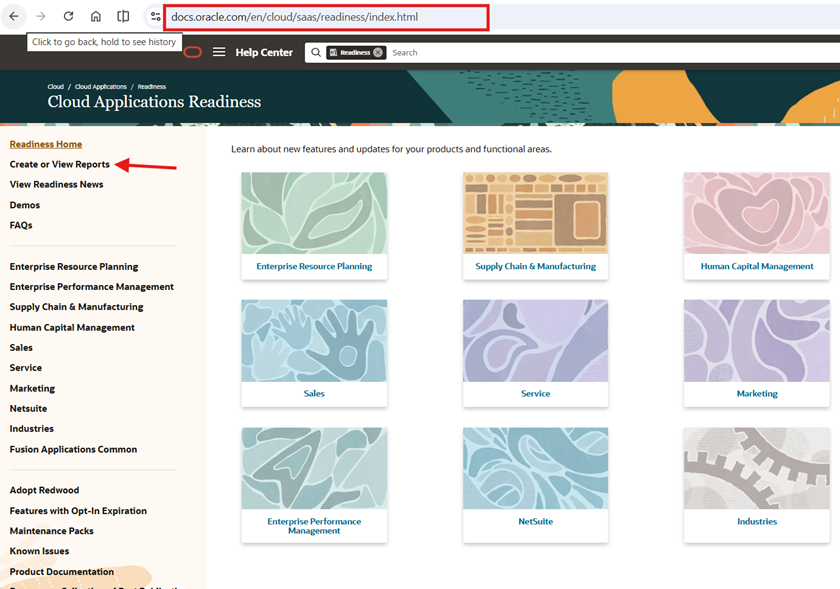
Step 2: Select Your Cloud Product Family
- From the Readiness landing page, select the product family you want to review. For example:
- Human Capital Management (HCM)
- Financials
- Supply Chain Management (SCM)
- You can select multiple product families if your organization uses more than one.
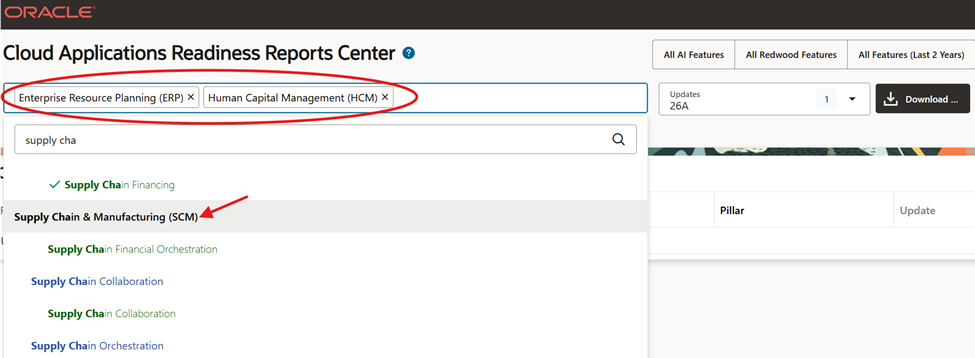
Recommendation: If you’re supporting multiple teams, selecting more than one product helps identify cross-product impacts early.
Step 3: Choose the Target Release
- Select the release you want to review (for example, 25C, 25D, 26A).
- You may also see options to include features from previous releases for comparison.

Step 4: Filter by Modules or Functional Areas
- Expand the module list under each product family.
- Select only the modules relevant to your implementation (e.g., Core HR, Benefits, Payroll).
- This keeps your report focused and easier to review.
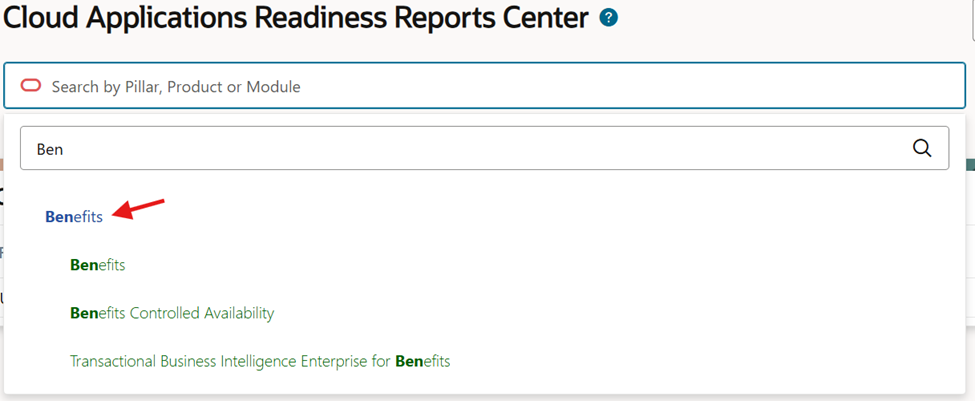
Recommendation: Start narrow. You can always regenerate the report later with broader scope.
Step 5: Generate the Readiness Report
- Click Generate Report (or View Report, depending on the UI).
- Oracle compiles all applicable features for your selected products, modules, and release.

Step 6: Review the Readiness Report Online
Once generated, the report displays:
- Feature names and descriptions
- Whether the feature is enabled by default or requires opt-in
- Business benefits and key considerations
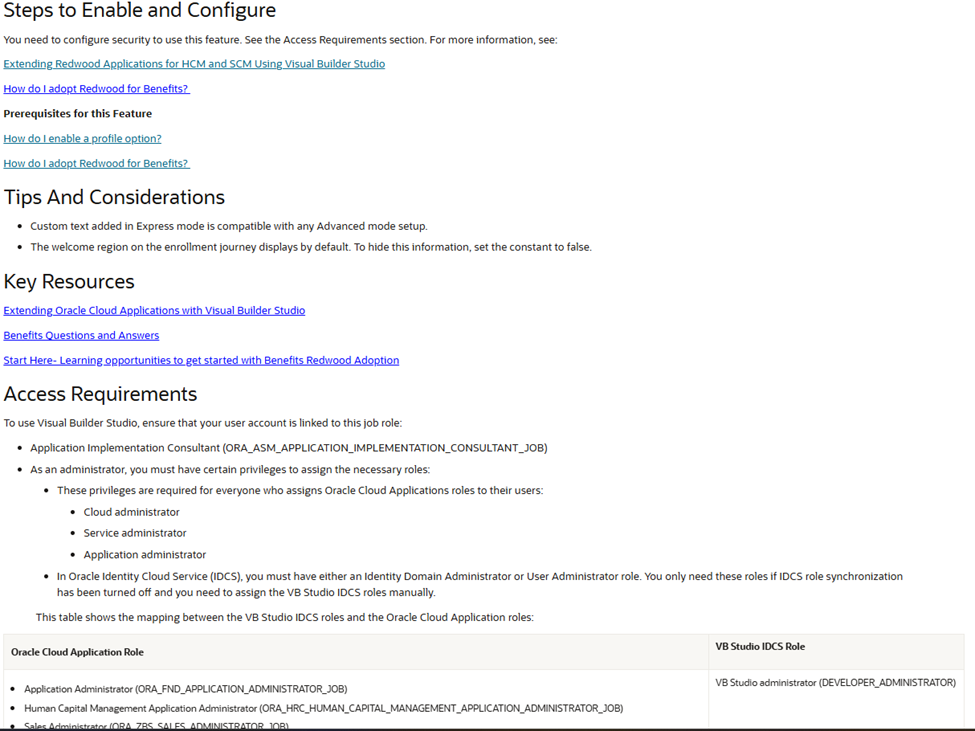
You can scroll, sort, and filter directly in the browser.

Step 7: Export the Report for Offline Review
- Use the Export option to download the report as:
- Excel (most common)
- Share the exported report with project teams, stakeholders, or leadership


Recommendation: Excel exports are ideal for tracking decisions, owners, and enablement timelines.
Final Thoughts
Generating a Readiness report should be part of every release cycle. With a few targeted selections, you can quickly:
- Understand what’s changing
- Identify required actions
- Plan enablement and testing
- Communicate impacts clearly to stakeholders
Used consistently, Readiness reports help teams stay proactive — not reactive — with Oracle Cloud updates.
If you would like additional information on Oracle Cloud, please visit MIPRO’s Oracle Cloud page.
